
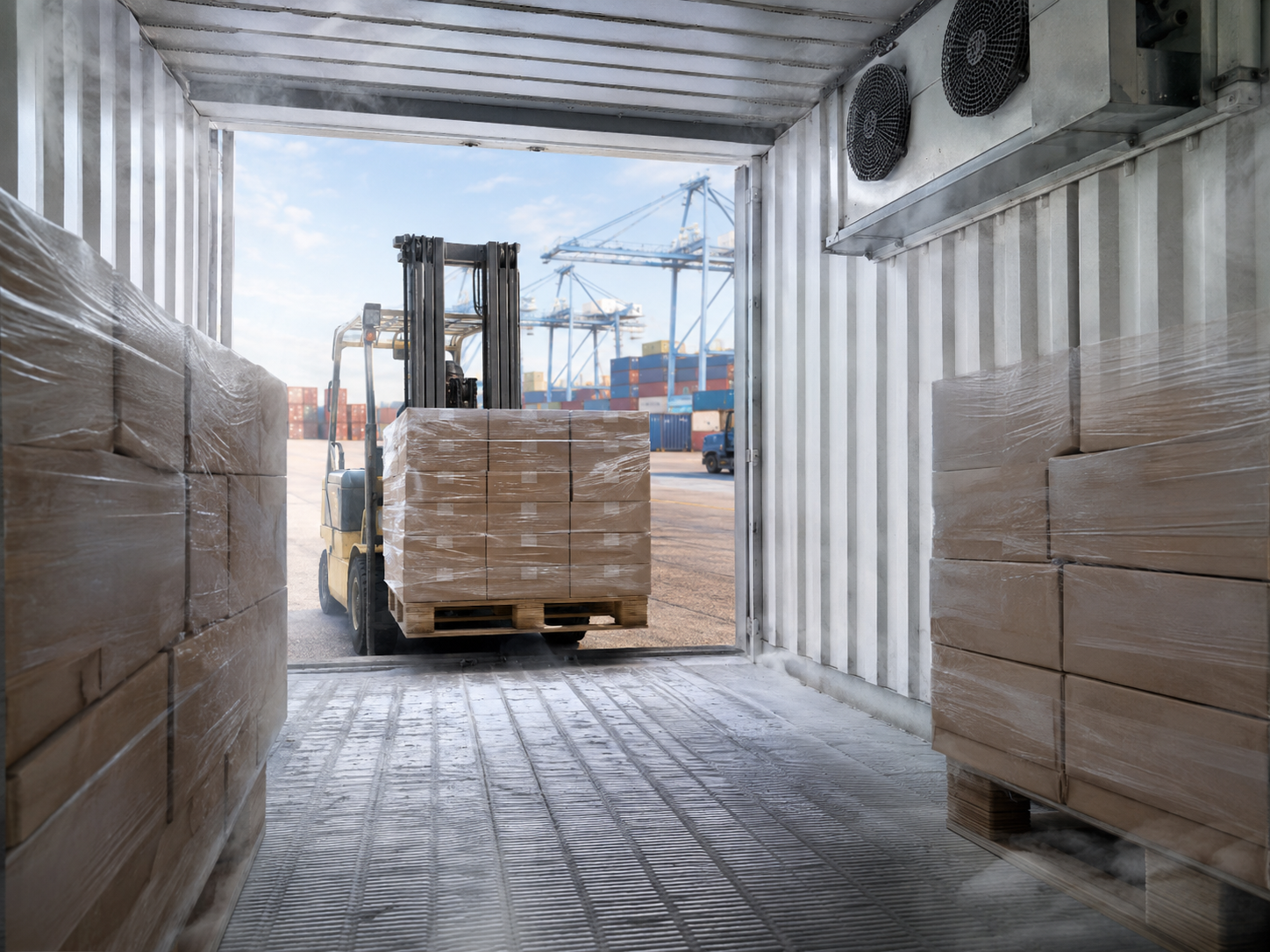
Almost every arrival dispute comes down to the same question: where did the temperature go wrong, and who was holding the container when it did. Without a data record, that question is answered by argument. With one, it is answered in about ten minutes. For a buyer taking two or three pallets in a shared container, loggers matter more than they do for a full load, because a part-load sits in a container whose set point was agreed with someone else.
The container recorder is not enough
Every reefer has a machinery recorder that logs supply and return air at the unit. It is a useful document and the shipping line will release it on request, but it describes the air the machine delivered, not the temperature of your cartons. On a mixed load, your pallets may be at the door end, behind a bulkhead of someone else’s product, or on top of a stow where air circulation is weakest. A standalone logger placed inside your own pallet is the only record of what your goods actually experienced.
Logger types and what each one is for
Single-use USB loggers are the practical default. They cost little, record at a set interval for the length of the voyage, and produce a PDF when plugged into any computer at destination. No app, no account, no pairing. Bluetooth loggers cost more and let a receiver read the data with a phone before the doors open, which is useful when the container is going straight to a customer. Real-time GPS and satellite loggers report during the voyage, so an excursion can be acted on rather than discovered. Those are worth the cost on high-value or long-transit loads and rarely justified on a five-day Mediterranean leg.
Placement
One logger per buyer per container is the minimum. Two is better and lets you separate a stow problem from a machine problem. Placement should be inside a carton in the middle of the pallet, not taped to the outside of the shrink wrap, where it reads container air rather than product. The second logger goes on the door-end pallet, which is the warmest position in almost every reefer. Record the logger serial number, the pallet it went into and the position in the container on the packing list. A logger with no recorded position proves very little.
Reading the download
A normal trace has a recognisable shape. It starts warm at loading, drops through a pull-down period of several hours to the set point, and then runs flat with small regular sawtooth movements. Those small rises are defrost cycles and are entirely normal, typically 4 to 8 per day, each lasting under 45 minutes. What matters is not whether the line is perfectly flat but whether the product spent meaningful time outside its specification. Three things should draw attention: a pull-down that takes far longer than expected, which usually means the fruit was loaded warm rather than pre-cooled; a sustained flat line at the wrong value, which means the set point was entered incorrectly; and a sharp climb at the end of the trace, which is nearly always the doors being opened at destination and not a transit failure.
Using the data in a claim
A claim supported by a logger download, photographs taken at the door and a written arrival report is settled far faster than one supported by an email describing soft fruit. Equally, the data sometimes shows that the cold chain held and the problem started after delivery, which is worth knowing before a claim is raised. Our note on the first hour after the doors open sets out the checks to run alongside the download, and the paperwork side is covered in documentation for a mixed Egyptian container.
We fit single-use loggers on request at cost on any part-load. To add them to your next order, message Peivana on WhatsApp at +20 10 9911 1918.